
1. Plot Creation
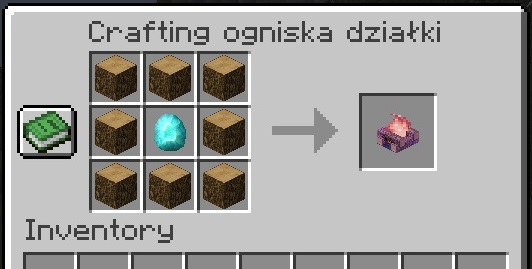
To create a plot, the player must craft a specialized campfire.
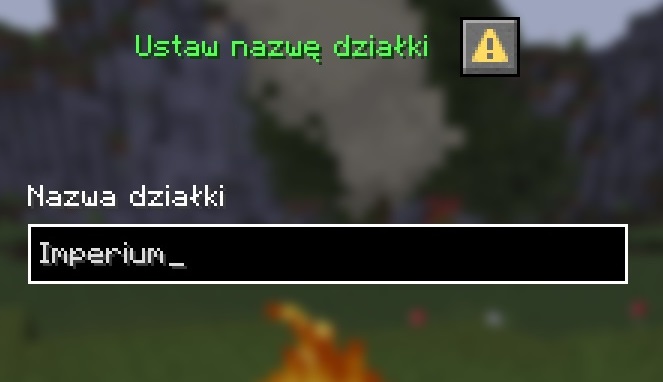
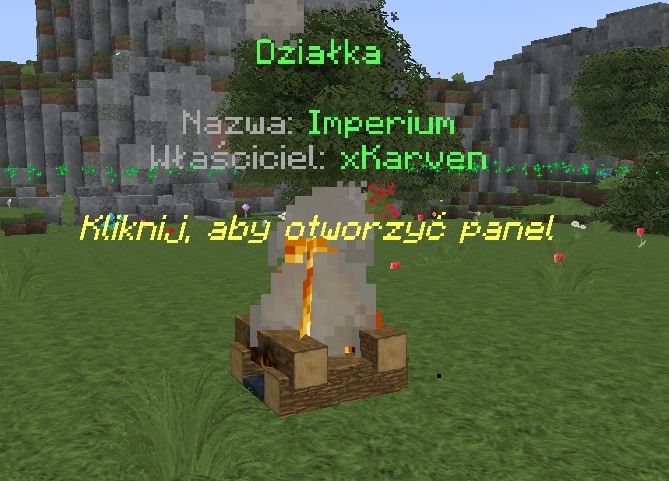
Once placed, the player is prompted to name the plot, which automatically establishes a protected area.
- Checking the required proximity from neighboring plots.
- Verifying the location to prevent overlaps with WorldGuard regions.
- Respecting player limits on the maximum number of owned plots.
- Dynamically generating a protection region assigned to the owner.
2. Management Panel
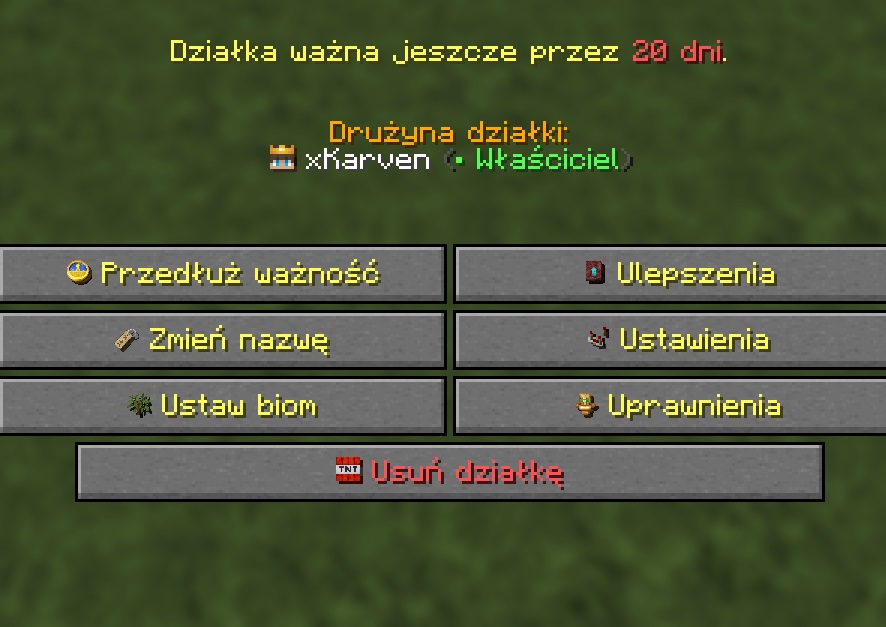
Plot management is handled through an extensive menu, allowing players to extend expiry, purchase upgrades, modify settings and names, as well as configure biomes and team permissions.
The panel also facilitates plot deletion. Upon confirmation, the campfire is destroyed and dropped as a physical item.
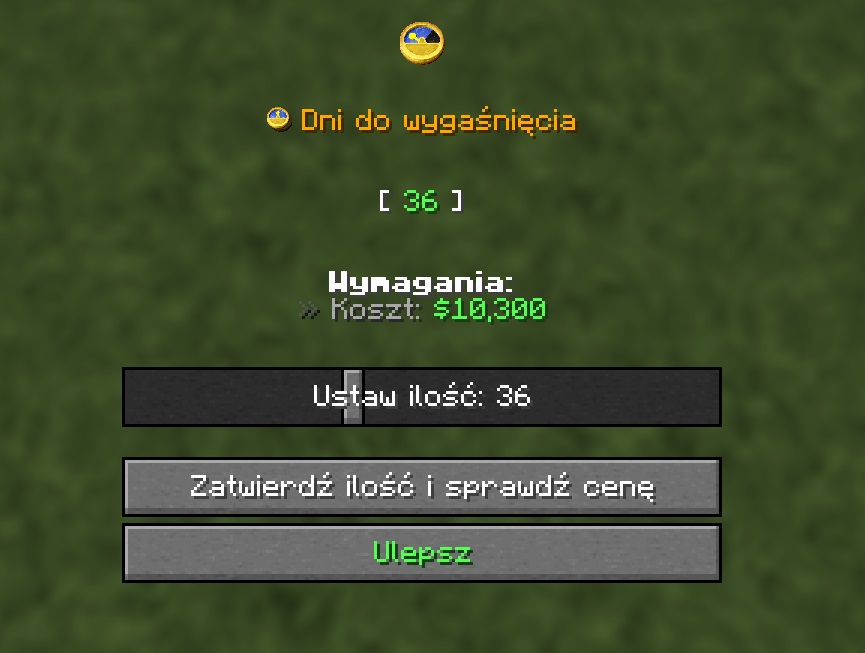
- Expiry Extension: Option to pay maintenance fees to keep the plot active for another period.
- Upgrade System: Expanding the plot area and increasing the maximum team member limit.
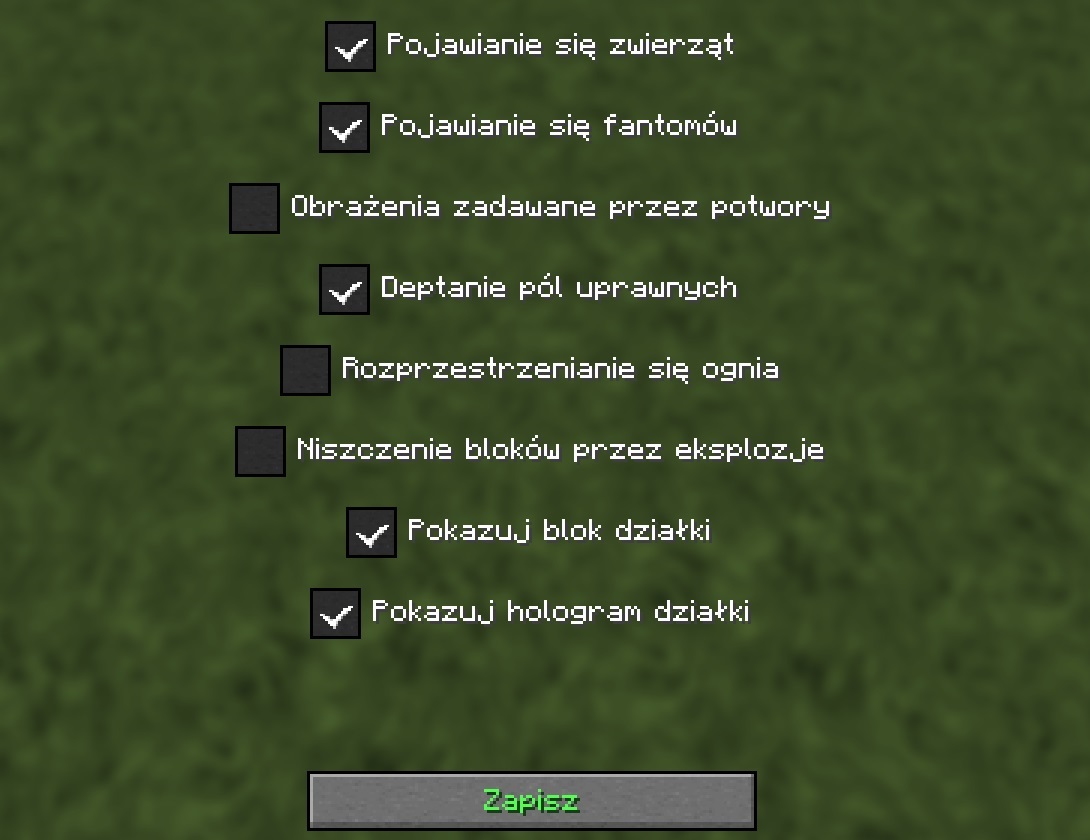
- Settings: Toggle mob spawning, PvP damage, fire spread, explosions, and the visibility of the plot block or hologram.
- Biome Selection: Applying a selected biome from the GUI to the entire plot area.
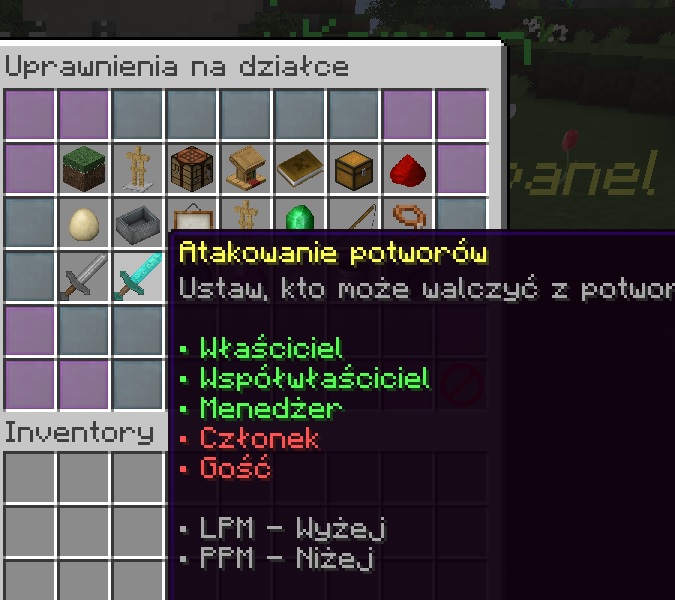
- Permissions System: Granular control over actions based on player roles (Guest, Member, Manager, Co-owner).
3. Additional Commands
In addition to the GUI, several text commands are available for interacting with the plot systems.
Key commands include:
- Adding/removing players from the plot team and managing their roles.
- Whitelisting or blacklisting entry for specific players (or all guests).
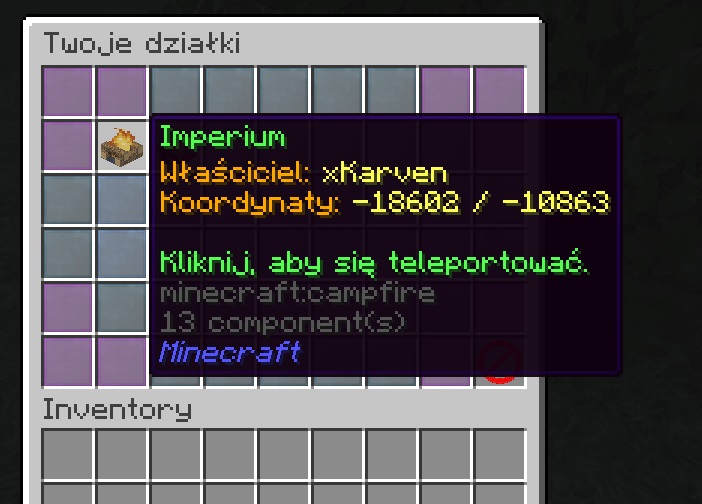
- Teleporting to owned plots or public player warps via the GUI.
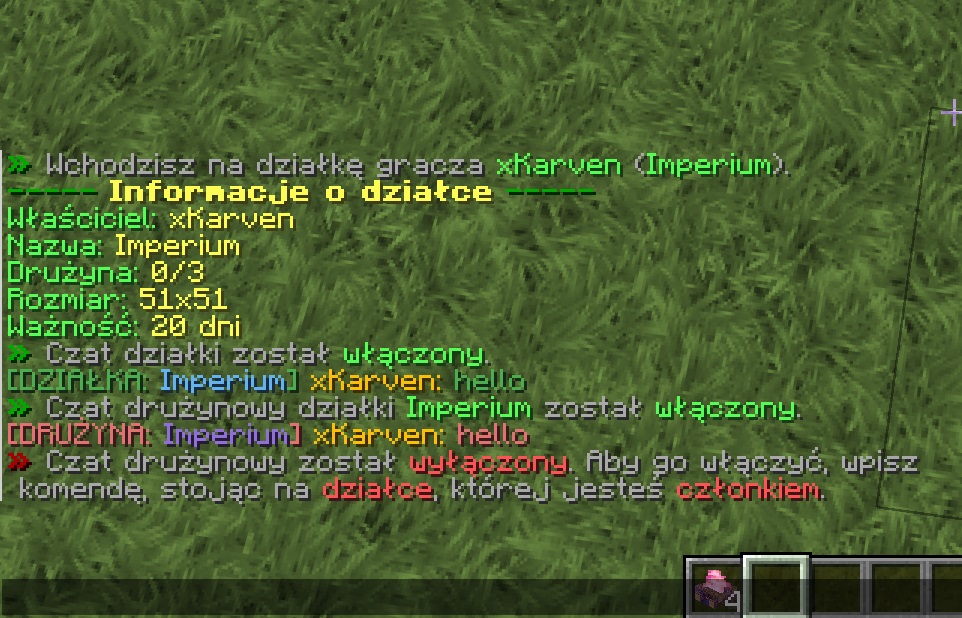
- Dedicated plot-wide and team-only chat channels.
- Viewing detailed information regarding the plot and the current team.
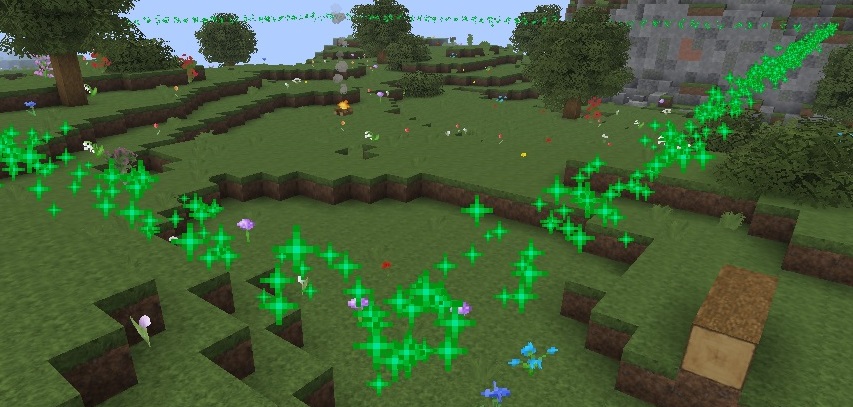
- Toggling a visual highlight of the plot boundaries for one minute.
- Opening a menu that displays the plot block’s crafting recipe.
- Transferring ownership of the plot to another player.
- Setting a custom home teleport location.
- Rating plots on a 1-5 star scale.
4. Warp System
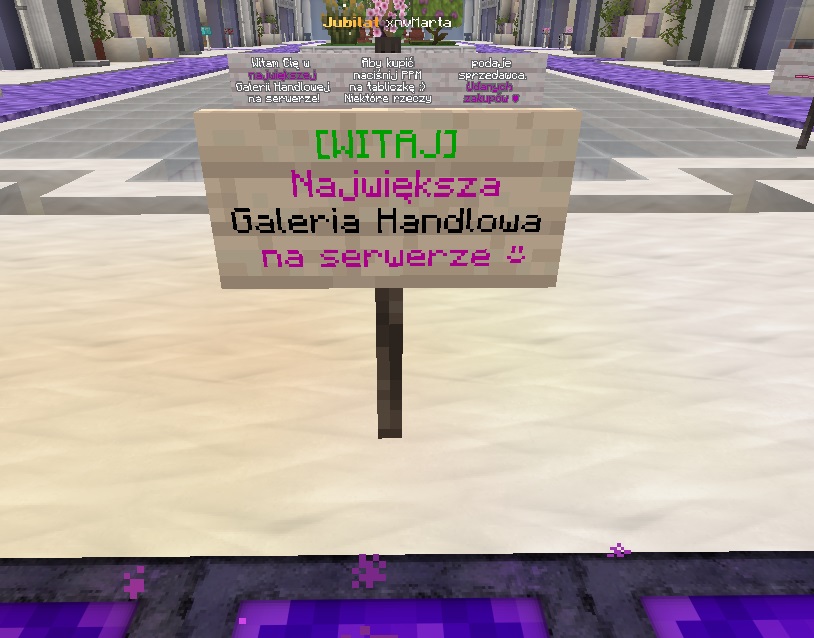
Players can create teleportation signs within their plot boundaries.
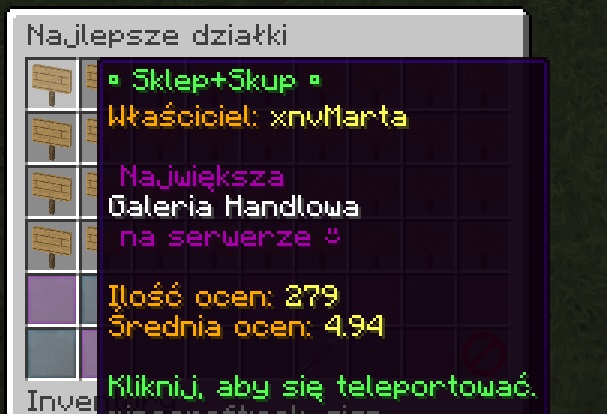
Signs can include a custom description that appears in the global warp list.
The warp list is sorted based on the plot’s average rating.
Technical Specification
Live deployment on AxelCraft.pl